
Neptune Play Login: Sign In to Your Casino and Sportsbook Account
This guide shows you how to sign in on each device, what to do if you forget your password or username, why we ask for verification, how to fix the most common sign-in problems and how to reach our team 24 hours a day if you need help.
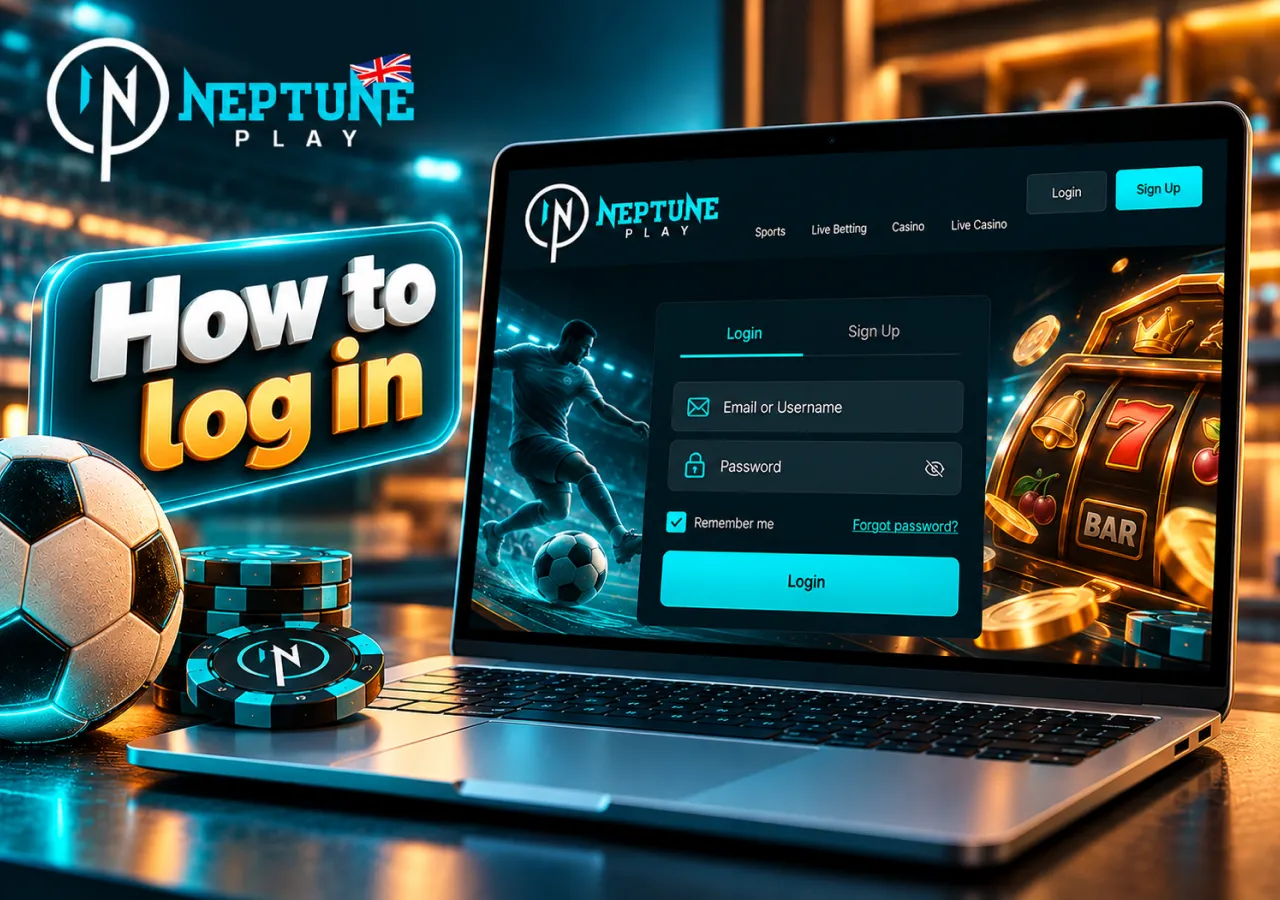
How to log in on desktop
Signing in on a computer takes a few seconds:
- Open the Neptune Play website in Chrome, Safari, Edge or Firefox.
- Select Log In at the top right of the page.
- Enter the email address or username you chose when you registered.
- Type your password. Passwords are case-sensitive, so check that Caps Lock is off.
- Select Log In again. Your balance appears in the top bar, and you can head to Casino, Live Casino or Sport.
If you share a computer, do not let the browser save your password, and always log out when you finish. On a device that only you use, saving your details makes the next sign-in quicker.
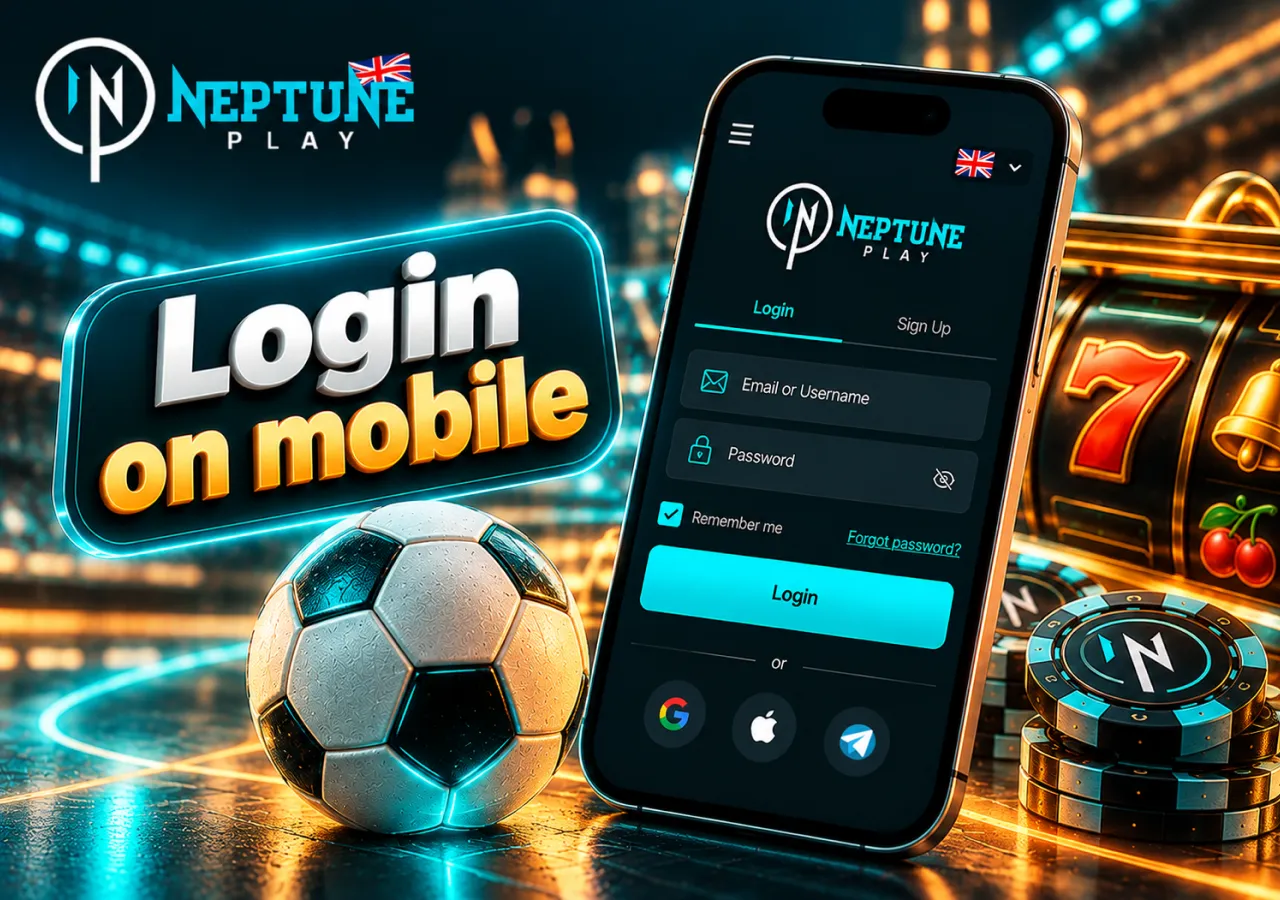
Neptune Play login on mobile
On iPhone and Android, the Neptune Play login works in any mobile browser. The Log In button sits at the top of the screen, and the form is sized for one hand. Once you are in, the menu on the left gives you your account, the cashier, promotions and verification, while the bet slip sits at the bottom of the screen when you are on the sportsbook.
Want one-tap access? Add the site to your home screen. On iPhone, tap Share in Safari and choose Add to Home Screen. On Android, open the Chrome menu and choose Add to Home screen. The icon opens straight to the sign-in page, so your next Neptune Play login is only a tap away.
Neptune Casino login and sportsbook login: one account
Some players look for a separate Neptune Casino login or a separate betting login. You only need one. The Neptune Casino login and the sportsbook sign-in are the same, because both use the same account and the same wallet. Sign in once and switch between Casino, Live Casino and Sport using the tabs at the top of the page.
The same goes for the Neptune Play casino login on mobile. Whether you open the site from a bookmark, a home screen icon or a search result, the account behind it is the same.
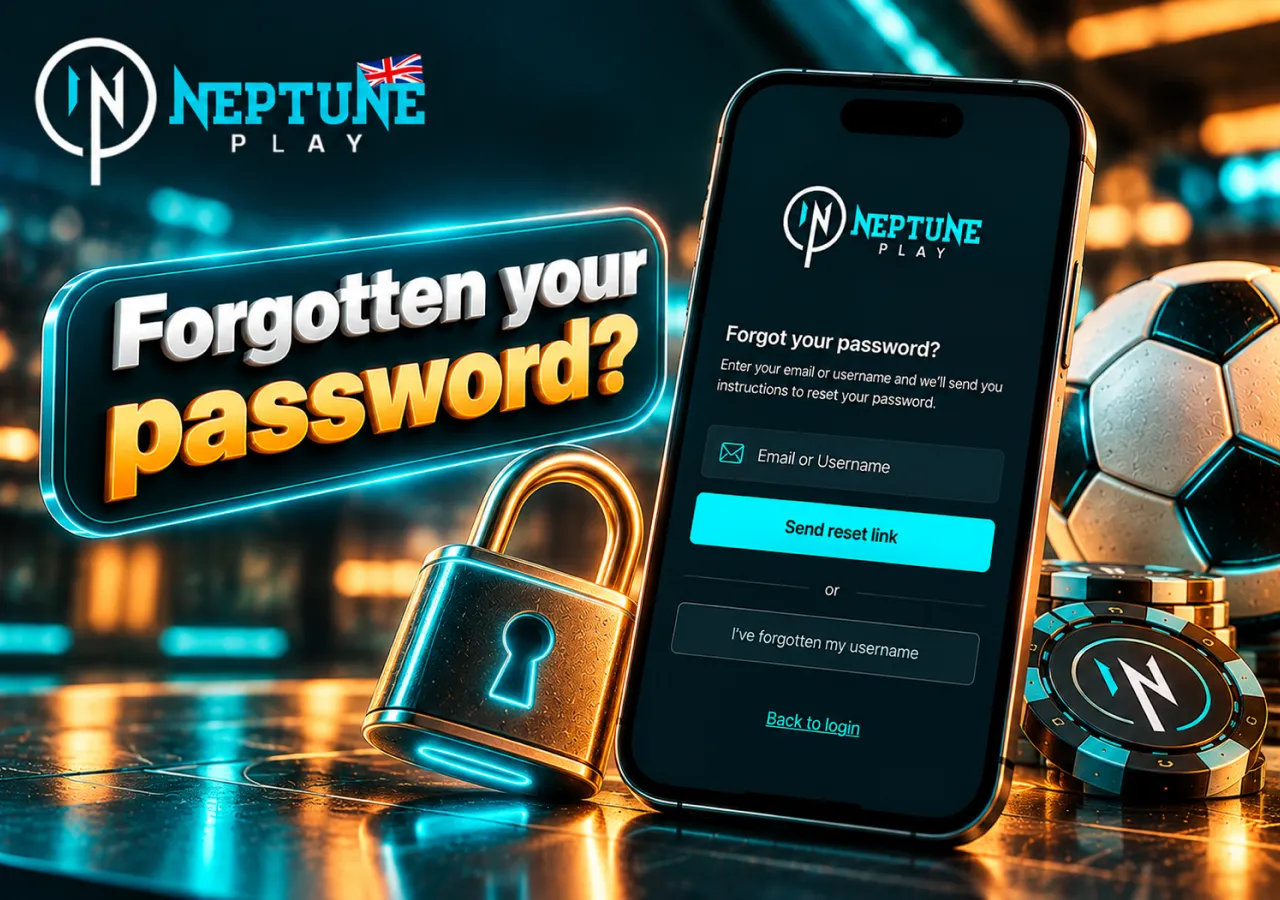
Forgotten your password or username?
It happens. To reset your password:
- Select Log In, then choose Forgotten password.
- Enter the email address registered to your account.
- Open the email we send you and follow the secure link. The link works for a limited time.
- Choose a new password you have not used anywhere else, then sign in with it.
If the email does not arrive within a few minutes, check your spam or junk folder and make sure you used the address you signed up with. If you have forgotten your username, sign in with your email address instead, or ask live chat to remind you once they have confirmed your identity. We will never ask you to tell us your password.
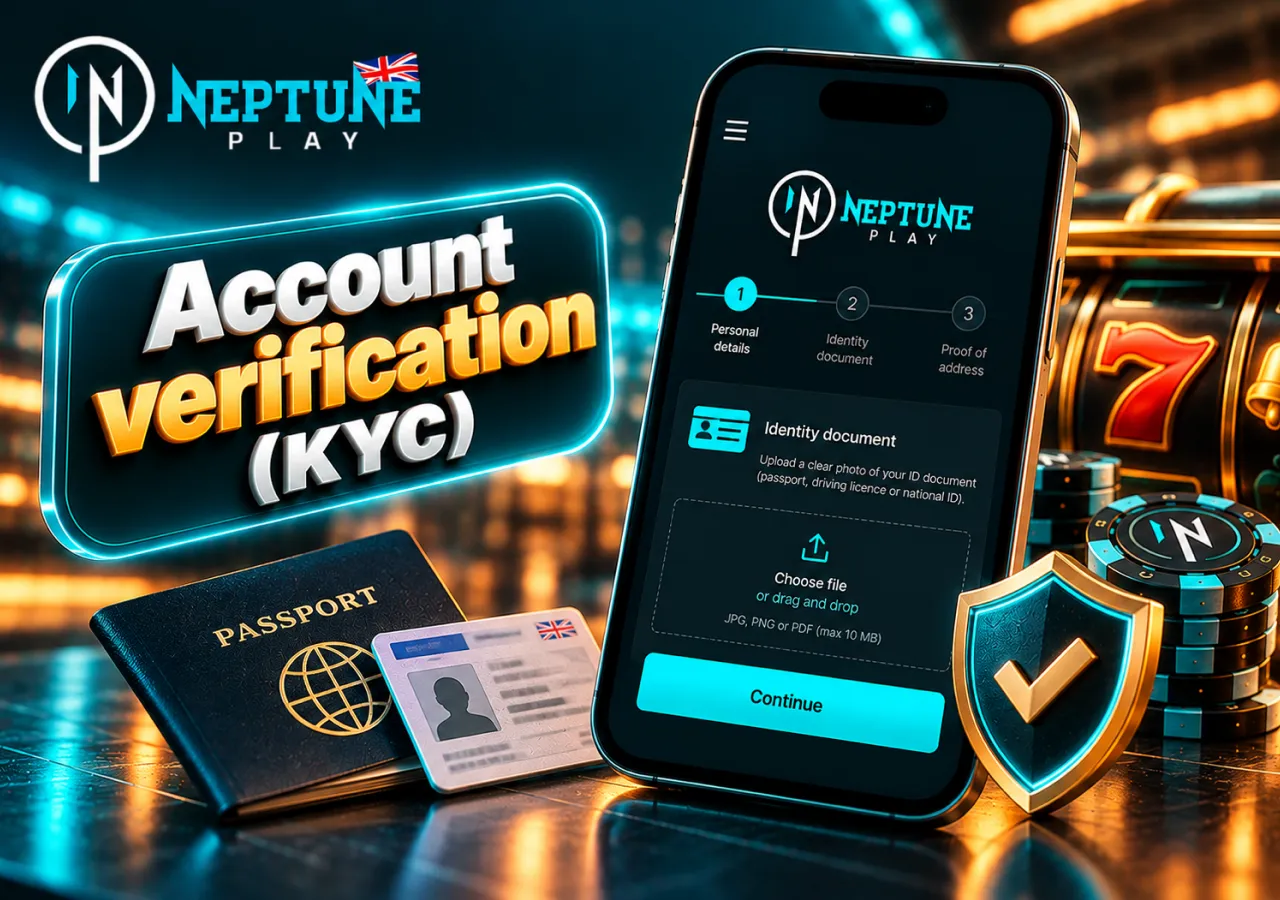
Account verification (KYC)
As a site licensed by the UK Gambling Commission, we must confirm the age and identity of every player. This process is often called KYC, short for Know Your Customer. Account verification usually happens automatically when you register, using the details you give us. Sometimes we need documents as well, such as photo ID, proof of address or, in some cases, information about the source of the money you deposit.
If we need anything, you will see a message after you sign in, and you can upload files from the verification link in the account menu. Completing account verification early means your first withdrawal is not held up, and it makes it much harder for anyone else to use your name or payment details. KYC is a legal requirement for every UK operator, and it protects you as much as it protects us.
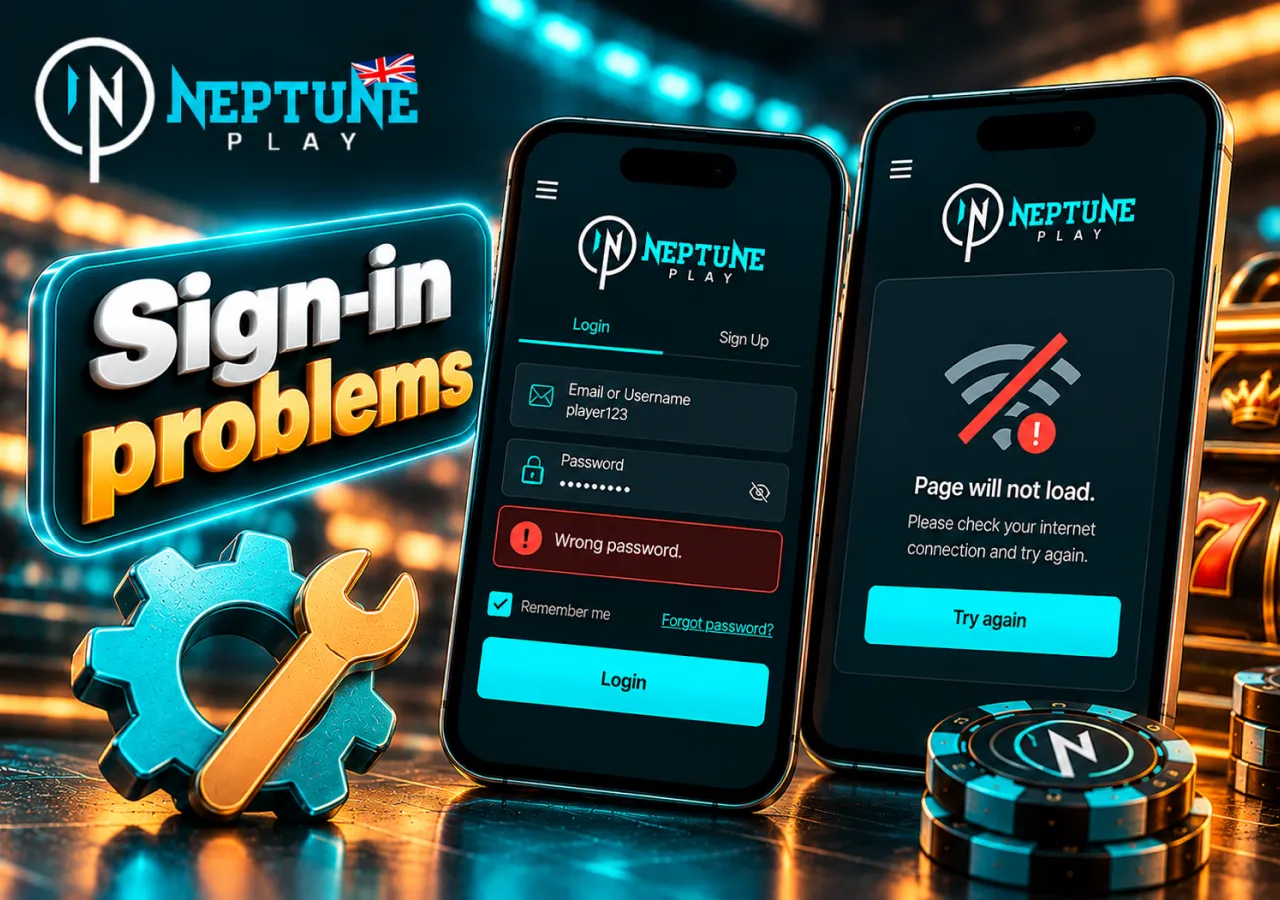
Common sign-in problems and how to fix them
- Wrong password message. Check Caps Lock and any password your browser has saved, then use Forgotten password if needed.
- Account locked after several attempts. For your security, we lock an account after repeated failed attempts. Wait a short while or contact live chat to unlock it.
- Page will not load. Clear your browser cache, update the browser or try another one. A VPN can also stop the site loading, because we can only offer our games and betting to players in Great Britain.
- Verification message after sign-in. Upload the requested documents from your account menu. Our team reviews them as quickly as possible.
- Time-out or self-exclusion active. If you have taken a time-out or self-excluded, you cannot sign in until it ends. This is by design and cannot be lifted early.
- Signed out unexpectedly. For security, sessions end after a period of inactivity. Sign in again to carry on.
Keeping your account secure
A few habits keep your Neptune Play login safe. Use a long password that is unique to us and change it if you think someone else may know it. Never share your details, even with friends or family. Be careful with emails or texts that claim to be from us and ask you to sign in through a link: type our address into your browser yourself or use the home screen icon you created. All data between your device and our servers is encrypted, and we monitor accounts for unusual activity. If you see a login you do not recognise, change your password and contact us straight away.
What you can do once you sign in
- Deposit and withdraw with your saved payment methods.
- Check your balance, bonus funds, free spins and free bets.
- Place bets, track open bets and use Early Payout and Bet Builder on the sportsbook.
- Set deposit limits, reality checks, time-outs and self-exclusion.
- View your betting and game history.
- Update your contact details and marketing preferences.
- Open live chat from any page.
Everything works the same way on desktop and mobile, so there is nothing new to learn when you switch device.
Is there a Neptune Play contact number?
We do not run a Neptune Play contact number for account support. The quickest way to reach us is live chat, open 24 hours a day, 7 days a week. Tap the chat icon in the bottom corner of the screen, type your question and an agent will reply in the chat window. You can also email us or use the contact form, and we are on Facebook and X. If you were looking for a Neptune Play contact number because you are locked out, live chat can unlock your account, resend a reset email or explain a verification request.
To get help faster, have your registered email address and date of birth ready, and describe the problem in full in your first message. Our agents confirm your identity before they make any change to your account.
New to NeptunePlay?
If you do not have an account yet, you can open one in a few minutes. Choose the sports welcome offer (bet £10 at odds of 1/1 or bigger and get a £10 free bet) or the casino welcome offer (a 100% deposit match up to £100 plus 25 free spins). No code is needed. Once your account is open, your Neptune Play login is all you need for the casino and the sportsbook at NeptunePlay. 18+, T&Cs apply.
FAQ
-
How do I log in to Neptune Play?Select Log In on the website, enter your email or username and your password, and confirm. The same details work on desktop and mobile.
-
Is the Neptune Casino login different from the sportsbook login?No. One account covers the casino, the live casino and the sportsbook, so one sign-in works for everything.
-
I forgot my password. What should I do?Choose Forgotten password on the sign-in screen and follow the secure link we email to you. Check your spam folder if it does not arrive.
-
Why am I asked to verify my account?UK rules require us to confirm your age and identity. Upload the requested documents from the verification link in your account menu.
-
Is there a Neptune Play app for signing in?The site runs in your mobile browser. Add it to your home screen for one-tap access to the sign-in page.
-
How can I contact support if I am locked out?Use 24/7 live chat from the chat icon on any page, or contact us by email or through the contact form.